In 2004, the founders of Cherwell Software envisioned building a company that listened carefully to customers and empowered them with technology to achieve their goals faster and more effectively. This initial vision eventually led to an intuitive, flexible software platform to automate service experiences across the enterprise.
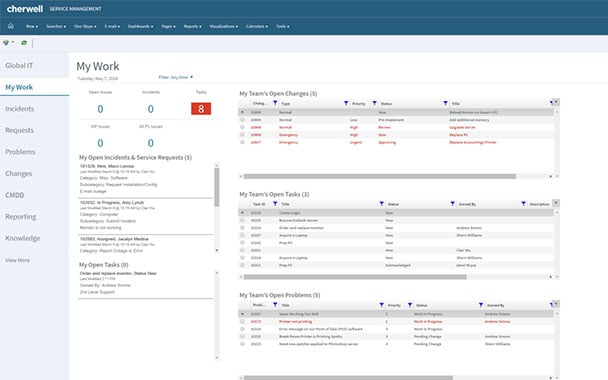
Cherwell® Service Management software, first released in 2007, enabled IT departments to easily automate routine tasks, enhance response times and free up valuable time.
Through its power and flexibility, Cherwell Service Management became an essential tool for the enhancement of service activities across organizations — expanding beyond IT into HR, Facilities, Information Security and Project Management.
Cherwell was acquired by Ivanti on March 25, 2021. The acquisition cements Ivanti’s position as the only enterprise service management vendor to offer end-to-end service and asset management from IT to lines of business and from every endpoint to the IoT edge.